How to Use a Translation App Offline in Portugal
Disclosure: This article contains affiliate links. If you buy through them, we may earn a commission at no extra cost to you. Read our full disclosure.
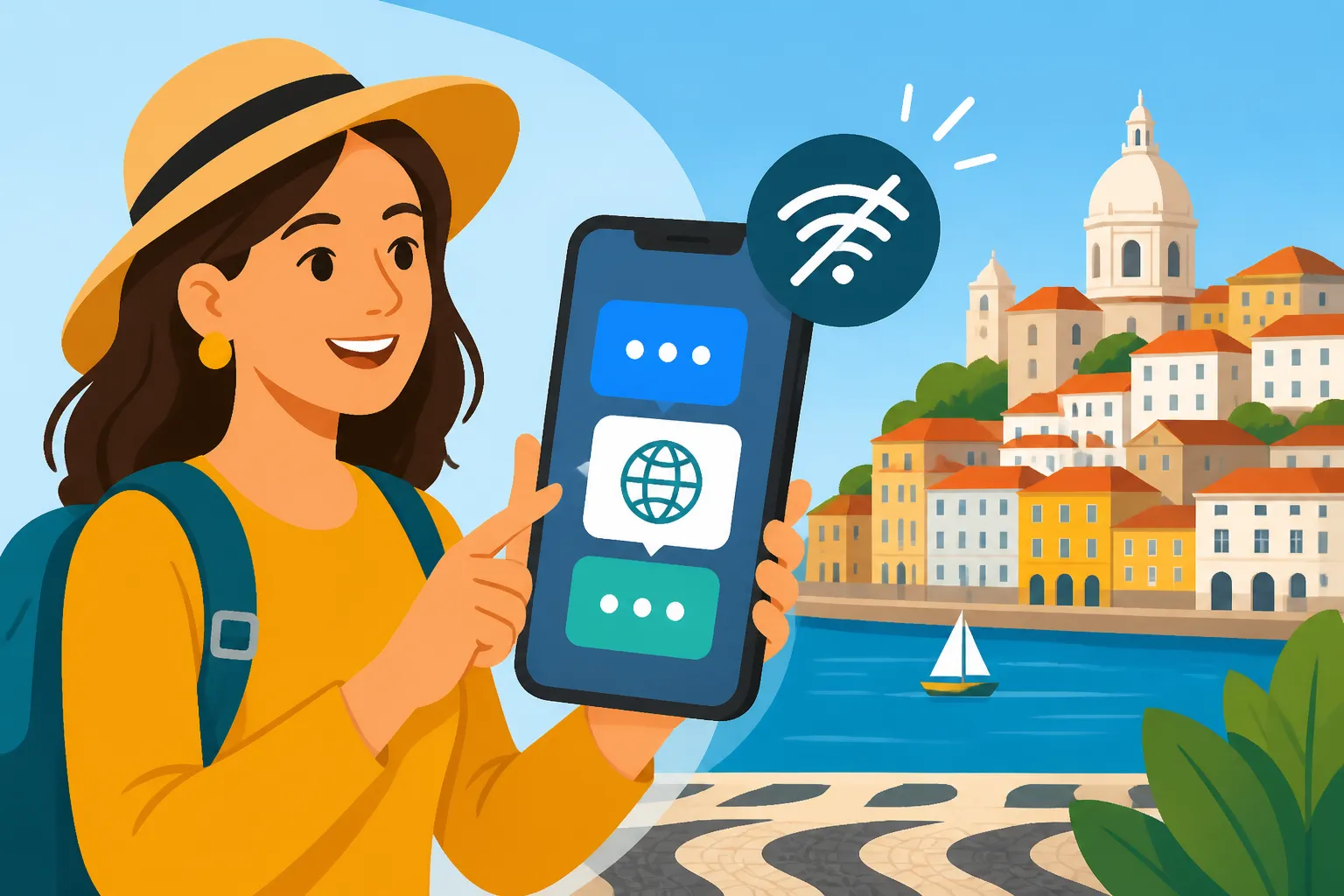
Ah, Portugal! It’s a place of incredible beauty, charm, and sometimes, a frustrating lack of cell signal precisely when you need it most. We've all been there: happily exploring a quaint village, deep inside a historic castle, or maybe just on a metro line, only to realize your data has vanished into thin air, leaving you utterly unable to ask for directions, decipher a menu, or explain a minor mishap. That feeling of panic when you can't communicate? It's real. This guide is here to save you from those moments, showing you exactly how to wield the power of offline translation apps, making sure you're never truly lost for words, even when your connection is.
Why Offline Translation is a Lifesaver in Portugal
Let's be honest, living or traveling in Portugal, especially outside the major urban hubs of Lisbon and Porto, means encountering places where Wi-Fi is a myth and mobile data has gone on holiday. You might be deep in the Alentejo plains, surrounded by olive groves, or perhaps exploring a hidden gem along the Silver Coast, and suddenly, poof! No signal. This isn't just an inconvenience; it can genuinely make navigating daily life, or even a simple interaction, feel like an Olympic challenge.
Imagine this scenario: you're trying to explain to a local farmer at a roadside stand that you have an allergy to nuts, or you're lost in a labyrinthine historic center in Braga trying to ask for the nearest farmácia. In these moments, relying on a patchy internet connection for Google Translate is a recipe for stress. Offline translation becomes your secret weapon, giving you instant access to communication without the need for a single bar of signal. It's about empowering you to bridge language gaps independently, whether you're ordering a specific type of pastel de nata in a tiny pastelaria or trying to understand the cryptic signage at a local market. It takes the edge off that underlying anxiety many expats feel about not being fluent in Portuguese, allowing for more spontaneous and confident interactions.
These aren't just for emergencies, mind you. Even if you're booking a train journey through services like Omio or planning an excursion via GetYourGuide, having an offline translator means you can confirm details with local staff or guides even when you step off the beaten path where connections might falter. It truly transforms your experience from potentially stressful to delightfully independent.
Top Translation Apps with Robust Offline Features for Portugal
When it comes to offline translation, not all apps are created equal. Some excel in certain areas, while others offer a broader range of features. The key, however, is their ability to function flawlessly without an internet connection, which means downloading the necessary language packs beforehand.
Google Translate: Your Go-To for General Use
Google Translate is often the first app people think of, and for good reason. It’s widely accessible, constantly updated, and offers a remarkable array of features that work offline once you've downloaded the language files. For Portugal, this is generally your best bet due to its versatility.
- Downloading Language Packs: This is crucial. Before you even think about stepping out the door, especially if you're heading somewhere remote, open the Google Translate app. Go to "Settings" (usually accessed via the three lines or your profile icon), then "Offline translation." Here, you’ll see a list of available languages. Scroll down to Portuguese, tap the download icon, and ensure it downloads completely. The file size can be significant, so do this over Wi-Fi. It’s usually about 50-60 MB, but worth every byte.
- Offline Capabilities: Once the Portuguese language pack is downloaded, you can type text for translation, or even use the camera translation feature (point your camera at text like a menu or sign, and it will overlay the translation) completely offline. The voice translation feature, while available online, can sometimes be limited or less accurate in offline mode, but typing is usually spot-on. It's fantastic for reading labels in a Grocery shopping in Portugal: Continente, Pingo Doce, Auchan, and Mercados or figuring out bus schedules at a stop that lacks English.
- Limitations: While powerful, it’s not perfect. Slang and very colloquial expressions can sometimes stump it, leading to amusing or confusing translations. Also, the camera translation works best with clear, well-lit text and can struggle with stylized fonts or handwritten notes. Still, for everyday survival, it’s remarkably effective.
Microsoft Translator: A Strong Contender for Dialogue
Microsoft Translator is another excellent choice that often flies under the radar. Many users find its conversational mode particularly robust, making it a strong alternative or companion to Google Translate.
- Downloading Language Packs: Similar to Google Translate, you’ll need to download the Portuguese language pack within the app. Open Microsoft Translator, tap the small book icon (usually indicating language selection), and then select Portuguese. There will be a download icon next to it. Confirm the download over Wi-Fi.
- Offline Capabilities: Microsoft Translator excels in its split-screen conversation mode, which is designed for two people speaking different languages to see a real-time translation. While this is primarily an online feature, its text translation and phrasebook features are fully functional offline. The phrasebook is particularly useful, offering common phrases organized by category (e.g., travel, dining, greetings) that you can tap to translate instantly, which can be invaluable when trying to explain something quickly.
- Limitations: Its camera translation isn't always as intuitive as Google's, and the interface might feel slightly less polished to some. However, for direct text input and its phrasebook, it’s a very reliable tool.
DeepL Translator: For Nuance and Accuracy (Mostly Online)
DeepL is renowned for its highly nuanced and natural-sounding translations, often superior to Google or Microsoft for complex sentences and formal texts. However, its offline functionality is generally reserved for its paid Pro version. While you can use it for quick, online translations if you have signal, it's not your primary offline solution unless you're willing to subscribe. For general tourists and expats, sticking to the free offline options of Google or Microsoft is more practical.
Here’s a quick comparison of the free offline capabilities of the top two:
| Feature | Google Translate (Offline) | Microsoft Translator (Offline) |
|---|---|---|
| Text Input | Excellent | Excellent |
| Camera Scan | Good (for clear text) | Basic (less intuitive) |
| Voice Input | Limited/Less Accurate | Limited/Less Accurate |
| Phrasebook | Basic (custom phrasebook possible) | Good (pre-built categories) |
| Language Packs | ~50-60 MB per language | Similar size, easy download |
| Best For | General use, reading signs, quick queries | Structured phrases, direct text, two-way conversation setup (online) |
Other Niche Apps
There are other niche apps like iTranslate Translator or SayHi Translate, but they often require a paid subscription for full offline access or their free offline capabilities are not as extensive or accurate as Google Translate or Microsoft Translator. For the everyday expat or traveler, the big two usually cover all bases.
Practical Steps to Set Up and Use Your Offline Translation App
Getting your translation app ready for offline use in Portugal is straightforward, but it requires a bit of foresight. Don't wait until you're already in the remote village of Monsanto, staring blankly at a local trying to explain why the pão isn't ready yet, to realize you haven't downloaded the language pack!
Step-by-Step for Downloading Language Packs (Google Translate Example)
Let's walk through the most common and reliable option, Google Translate, as it’s the most universally used.
- Connect to Strong Wi-Fi: Seriously, do this before you leave your accommodation or a cafe with good internet. You don't want to use up your mobile data allowance downloading language files.
- Open the Google Translate App: Make sure it's updated to the latest version.
- Access Settings: Tap on your profile icon or the three-line menu icon (often called a "hamburger menu") in the top corner. This will open a sidebar or a menu of options.
- Select "Offline translation": This option will take you to a list of languages.
- Find Portuguese: Scroll through the list until you locate "Portuguese." You'll see a download icon next to it.
- Download the Pack: Tap the download icon. The app will usually show you the file size and ask for confirmation. Tap "Download."
- Monitor Progress: Keep the app open and your phone connected to Wi-Fi until the download is complete. A checkmark or a "Downloaded" status will appear next to Portuguese when it’s done.
- Repeat for Other Languages (Optional): If you're traveling from, say, Spanish to Portuguese-speaking areas, you might want to download Spanish too. Just remember each language pack takes up space.
That's it! You're now equipped for seamless communication, even when completely off the grid.
Tips for Effective Offline Use
Using an offline translator isn't just about having the technology; it's about using it smartly.
- Speak Clearly and Slowly (for voice input): If you're attempting a phrase for the app to translate, articulate each word distinctly. The app can't magically infer what you mean through mumbling.
- Keep Phrases Short and Direct: Instead of "Excuse me, could you possibly tell me where the nearest pharmacy is, because I have a bit of a headache and need some paracetamol, if it's not too much trouble?", try: "Pharmacy, please?" or "Where is pharmacy?" The app will translate these simpler phrases more accurately. Once you get the location, you can then try "Paracetamol, please?" when inside.
- Check the Translation Before Showing It: Take a quick glance at the translated text on your screen. Does it make sense? Does it convey your intended meaning? Sometimes, a strange word choice can alter the entire message.
- Use the Camera Feature for Menus and Signs: This is truly a godsend. Point your phone at a traditional Portuguese menu where only the local dialect is spoken, and watch the magic happen. Just remember, it works best with clear fonts and good lighting. This will immensely help you understand the difference between bacalhau com natas and bacalhau à brás.
- Always Have a Backup: While offline apps are amazing, they can fail (battery dies, app crashes). Consider carrying a small phrasebook with common Portuguese phrases or jotting down crucial phrases on a piece of paper for absolute emergencies. This is especially true for emergency situations; knowing a few key words like ajuda (help), urgência (emergency), or polícia (police) can make a huge difference.
Bridging the Gap When the App Falls Short
Sometimes, even with the best technology, you hit a wall. Maybe the person you're speaking to is elderly and unfamiliar with smartphones, or the translation simply isn't making sense.
- Embrace Charades and Gestures: The international language of pointing, miming, and hand gestures is surprisingly effective. Don't be shy! Most Portuguese people are incredibly patient and willing to try and understand.
- Use Simple English Words: While not everyone speaks English, many people in tourist areas, larger towns, or younger generations will understand basic English words. Mix and match: point to your phone, show the translation, then try a simple English word if it’s still not landing.
- Draw Pictures: A pen and paper can be a powerful communication tool. Trying to describe a specific type of bread or a particular issue with your Booking.com accommodation might be easier with a quick sketch.
- Patience, Patience, Patience: This is key. Frustration won't get you anywhere. A smile and a patient demeanor will almost always yield better results, even if communication is slow. Remember, you're the guest in their country, and trying to speak their language, even with technological assistance, is greatly appreciated.
Beyond Basic Translation: Cultural Nuances and Safety Tips
While translation apps are incredibly practical tools, they're just that – tools. They don't replace genuine human interaction or cultural understanding. Portugal is a country rich in history and tradition, and a little effort on your part goes a long way.
Learning a Few Core Phrases Goes a Long Way
Even with the best offline translator, making an effort to learn basic Portuguese phrases will dramatically improve your experience. Locals genuinely appreciate it when you try. Words like Olá (Hello), Obrigado/a (Thank you, male/female), Por favor (Please), Desculpe (Excuse me/Sorry), and Bom dia/Boa tarde/Boa noite (Good morning/afternoon/night) are essential. Even if your pronunciation is terrible, the effort itself is a powerful gesture of respect. This can also help you understand and engage more deeply with Portuguese coffee culture and restaurant etiquette: Ordering Like a Local.
When NOT to Rely Solely on the App
There are situations where a translation app, especially an offline one, shouldn't be your sole method of communication.
- Medical Emergencies: While a translation app can help convey basic symptoms, for serious medical issues, you need clear, unambiguous communication. If you find yourself in an Emergency Medical Care in Portugal: Calling 112 and Going to the Hospital, or need to register with a local health center like a Centro de Saúde, prioritize finding an English-speaking doctor or a human interpreter. The stakes are too high for misinterpretation. For less critical situations, using the SNS 24 Helpline (808 24 24 24): Triage, Advice, and Sick Notes can offer direct medical advice in several languages.
- Legal Documents or Formalities: When dealing with government offices, visa applications, or any legal paperwork, rely on certified translations and, if necessary, an immigration lawyer or official interpreter. An app cannot handle the complexity and legal specificities required. This includes things like registering your rental contract with Finanças or dealing with AIMA.
- Complex or Sensitive Conversations: For deep, personal conversations or intricate business dealings, an app can't fully capture tone, nuance, or subtext. It's best to have a human interpreter or ensure both parties have a strong grasp of a common language.
Safety and Preparedness
Having an offline translator is a part of your Safety and Emergency Preparedness in Portugal for Foreign Residents. If you ever face an unexpected situation, from a minor scrape to a lost passport, being able to communicate with local authorities or helpers is paramount. While most emergency services will have English speakers, having your app as a backup for complex descriptions of events is a smart move. Keep your phone charged, and always know how to access your chosen translation app quickly.
By understanding the power of offline translation and combining it with a bit of cultural sensitivity and preparedness, you can navigate Portugal with confidence and truly embrace the adventure, signal or no signal.
Disclaimer
The information provided in this guide is intended for general informational purposes only and does not constitute professional advice. While we strive to offer accurate and up-to-date content, administrative procedures, visa requirements, and local regulations in Portugal can change frequently. We recommend consulting with official Portuguese government sources, legal professionals, or immigration experts for personalized advice tailored to your specific situation. Reliance on any information provided in this guide is solely at your own risk.