Accessing your medical records in Portugal: Using the SNS Portal do Utente
Your Centro de Saúde says your blood results are “in the system,” but which system, and which password? Then the login keeps sending you to a page about something called Chave Móvel Digital. This guide covers how to get into your SNS online area as a foreigner, which medical records you can actually see there, and how to formally request the records that never appear online.
What the Portal do Utente Actually Is Now
When I first moved here, everyone told me to “check the Portal do Utente.” I spent a frustrating evening looking for a website that, in the form people described, had already been folded into something else. If that has happened to you, the confusion is not your fault.
From Portal do Utente to the SNS 24 Personal Area
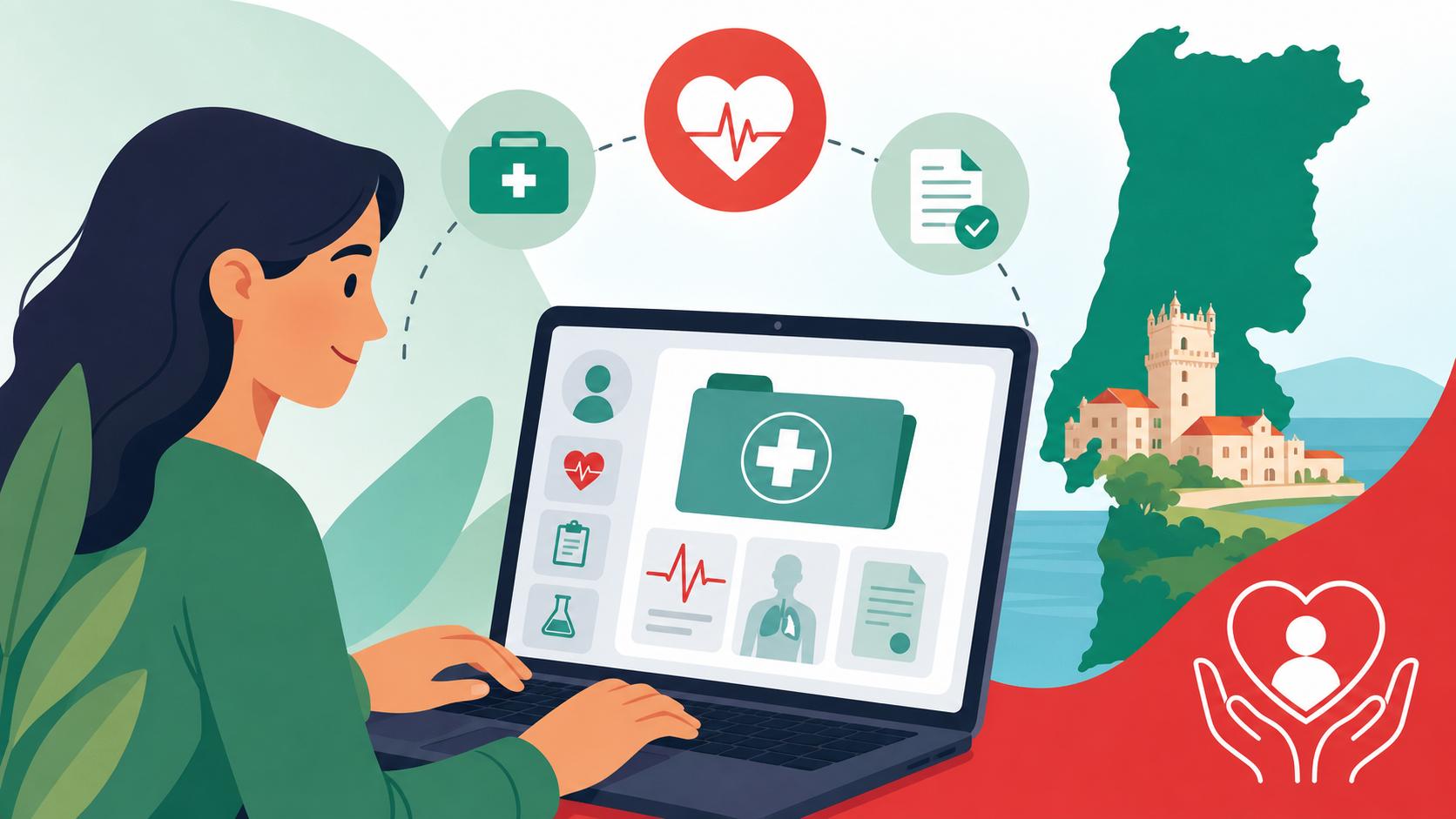
The old Portal do Utente was the SNS’s patient website. Its functions now live inside the personal area of SNS 24, the national health service’s digital platform. You reach it two ways:
- The SNS 24 website, through the “Área Pessoal” login.
- The SNS 24 mobile app.
Doctors, nurses and pharmacists still say “Portal do Utente” out of habit, so treat the two names as the same thing. When a receptionist at the Centro de Saúde in Arroios or Paranhos tells you to look something up “no portal,” they mean your SNS 24 personal area.
The SNS 24 phone line is a separate service. It does triage and medical advice rather than records, and SNS 24 Helpline (808 24 24 24): Triage, Advice, and Sick Notes explains how it works. Many expats use both: the phone line when they feel unwell, and the personal area to check prescriptions and documents afterwards.
What You Need Before You Even Try to Log In
The personal area is linked to your número de utente, your SNS user number. Without one, there is nothing for the system to attach your records to.
- Not registered yet: Start with Registering with the Centro de Saúde: Getting Your SNS Número de Utente.
- Want to skip the queue: How to get your Número de Utente online without visiting the health center covers the digital route.
Beyond the user number, you will normally need:
- A Portuguese mobile number.
- Your NIF, the tax number.
- Your passport or residence card.
- A way to authenticate. For most foreign residents, that means the Chave Móvel Digital.
Logging In Step by Step
This is where most of the frustration happens. The process is simple once you have done it, but nobody explains it clearly the first time.
Setting Up Chave Móvel Digital as a Foreign Resident
The Chave Móvel Digital, usually shortened to CMD, is Portugal’s government digital login. It links your identity to your mobile phone. Portuguese citizens often log in with their Cartão de Cidadão and a card reader, but that card is not available to foreign residents, so the CMD is the practical choice for most of us.
Here is how a typical activation goes:
- Gather your passport or residence card, your NIF and your Portuguese mobile phone.
- Go to a Loja do Cidadão or an Espaço Cidadão counter, or use the online activation route on the autenticacao.gov service if it accepts your document type.
- Ask the attendant to activate the Chave Móvel Digital and associate it with your mobile number.
- Choose a PIN when prompted and write it somewhere secure.
- Test it the same day by logging into the SNS 24 personal area. Choose the Chave Móvel Digital option, enter your mobile number and PIN, then type in the temporary code you receive by SMS.
A friend of mine in Setúbal activated her CMD at the Loja do Cidadão, went home, and could not log in for two days. Her NIF was still registered to her old address abroad, and that created a mismatch in her details. If your NIF still shows a foreign address, update it at Finanças first so all your records line up.
Using the SNS 24 App on Your Phone
Once your CMD works, the app is usually the easiest place to manage your health records day to day. The setup is short:
- Download the official SNS 24 app from your phone’s app store.
- Choose the login option for Chave Móvel Digital.
- Authenticate with your mobile number, PIN and SMS code.
- Set up the app’s own quick-access security, such as a PIN or biometric unlock, so you do not have to repeat the full login every time.
The interface is mainly in Portuguese. Learning a handful of words saves a lot of guessing:
| Portuguese word | Meaning |
|---|---|
| Receitas | Prescriptions |
| Vacinas | Vaccines |
| Exames | Tests or exams |
| Registo de Saúde | Health record |
If you are not confident in Portuguese, Navigating the public health system if you only speak English (Translation tips) has practical advice. The SNS 24 website also works in a desktop browser, where your browser’s built-in translation can help with longer screens.
What You Can Find in Your Records and What You Cannot
The phrase “medical records” makes people expect a complete digital file. What you actually get is a useful but partial window into your care. Knowing the limits in advance saves a lot of frustration.
| Record type | Where it usually appears | Practical notes |
|---|---|---|
| SNS prescriptions | SNS 24 personal area and app | Prescription number and codes shown for the pharmacy |
| Vaccination history | Digital vaccination section | Depends on vaccines being registered in the SNS system |
| Electronic Health Record summary | Registo de Saúde Eletrónico area | Summary data, not every doctor’s note |
| SNS test results | Varies by institution | Some appear online, others only through the health centre |
| Private hospital reports | Private provider’s own app or portal | Generally not visible in SNS 24 |
| Private lab results | Lab’s own website or app | Download them separately |
| Full hospital clinical file | Hospital records department | Requires a formal access request |
| Living will | RENTEV registry, viewable in personal area | Must be formally registered |
Prescriptions, Vaccines, and Test Results
Prescriptions are the part of the personal area I use most. Portugal uses an electronic prescription system, so a prescription from an SNS doctor shows up with the codes the pharmacy needs. I have filled prescriptions at pharmacies in Faro and Braga simply by showing the codes on my phone. How to Fill a Prescription in Portugal (Receita Sem Papel) walks through that process in detail.
The vaccination section is especially useful for parents. Once your child’s vaccines are registered with the SNS, the digital record becomes the easiest proof to show schools and doctors. If your child arrived with a foreign record, or you hold an older paper booklet, How to get your child’s Boletim de Vacinas (Vaccination book) translated explains how to bridge the gap.
Test results are where expectations and reality diverge most. Some SNS institutions publish results online, while others still deliver them through the health centre or the requesting doctor. If you had blood work at a private lab, expect to collect the results from that lab’s own system. Blood tests (Análises Clínicas) in Portugal: Joaquim Chaves and Germano de Sousa covers how the two big lab networks handle this.
The Gaps That Frustrate Everyone
Private care is the biggest gap. If you see a specialist at a CUF or Lusíadas hospital, those reports stay in the private group’s own system. They will not appear in your SNS personal area unless something is explicitly shared or issued as an SNS prescription.
For Hospital da Luz specifically, see Hospital da Luz app: How to book a specialist appointment on your phone, which shows where your reports and appointments appear.
Over-the-counter purchases and supplements never appear either. If you take vitamin D, magnesium or herbal products ordered from iHerb or bought at a parafarmácia, your SNS record will not show them. Keep a simple list on your phone and show it to any doctor who prescribes something new. This matters most for medications that can interact.
Older history is the third gap. Your consultations from before you registered in Portugal will not appear, and neither will anything from your home country. To bring that history across, see How to Transfer Your Medical Records to Portugal.
Getting Full Copies of Your Clinical File
For a complete record, such as a full surgical report, imaging reports or detailed consultation notes, you need to request it from the institution that holds it. As a patient, you have a legal right to access your own health data under Portuguese law and the EU General Data Protection Regulation.
Requesting Records From a Hospital or Health Centre
Each SNS hospital and health centre keeps its own clinical file on you, and requests go to that institution. This is the process I followed after a knee operation at a public hospital in Lisbon:
- Find the right office. Identify the hospital’s records office or its data protection officer, the Encarregado de Proteção de Dados. Reception can point you there.
- Put the request in writing. Include your full name, número de utente, date of birth, a copy of your identification, and the specific records and dates you need.
- State the format you want, such as digital copies or printed copies.
- Submit it. Use the method the institution accepts, often email, an online form or a counter in person.
- Keep proof. Save the submission confirmation and note the date you sent it.
- Follow up. If you hear nothing within a reasonable time, chase it in writing and refer to your right of access to your health data.
Ask for exactly what you need, because “my whole file” from a large hospital can be enormous and slow to compile. If a request is ignored or refused without justification, you can lodge a formal complaint. Understanding the ‘Livro Amarelo’ (Yellow Book) for Medical Complaints explains how that works in public health settings.
If you are heading into major surgery and want to read your reports in English, plan ahead. Requesting a medical interpreter for a major hospital surgery in Portugal covers language support during and after a hospital stay. Records themselves are issued in Portuguese, so you may need a separate translation for use abroad.
Using Your Records With Private Doctors and Insurers
Many expats move between the SNS and private care, and you are the one who carries information between them. Before a private appointment, I download the relevant prescriptions and any test results from my SNS area. I also bring copies of formal hospital reports. Private doctors appreciate it, and it can save you a repeat test.
International insurance claims depend on paperwork too. If you hold a policy with Cigna Global, a claim for treatment in Portugal may require medical reports, invoices and sometimes diagnosis details. Collecting the full report from the hospital records office early makes that process much smoother. Check your insurer’s own claims page for the exact documents required. Using Cigna Global or Allianz for international expat healthcare in Portugal explains how these international plans fit alongside the public system.
For complex diagnoses, having complete records in hand also makes it easier to get a second opinion from another specialist, and How to Get a Second Medical Opinion in Portugal explains how. A second doctor, whether in the private system or with a Cigna Global provider abroad, will want the original imaging reports and consultation notes rather than a short summary.
Troubleshooting Common Login and Data Problems
These are the problems I hear about most often in expat groups, along with the fixes that usually work:
- The CMD login fails repeatedly. Check that the mobile number linked to your CMD is the one in your phone. Changing your number without updating the CMD is a classic trap.
- You log in but see almost nothing. Your número de utente may be provisional, or your registration may be incomplete. Ask your Centro de Saúde to check your status in the system.
- Your name or details are wrong. Spelling differences between your passport, NIF and SNS registration can cause mismatches. Correct them at the health centre with your identification document.
- A prescription is missing. Ask the prescribing doctor to confirm it was issued electronically and not on paper.
- Your child’s records do not appear under your login. Children have their own número de utente. Ask the health centre how to access dependents’ information in your account.
Once your login works and you know what lives where, the system becomes a genuinely useful tool. My advice is to set everything up while you are healthy, so you are not fighting a PIN reset at the pharmacy counter when you are unwell.
Disclaimer
This article is for general informational purposes only and does not constitute professional advice. Laws, prices and regulations vary by location and change over time. Consult a qualified professional for guidance on your specific situation.