Hospital da Luz app: How to book a specialist appointment on your phone
One of the most intimidating hurdles for any newcomer in Portugal is the dread of picking up the phone to book a medical consultation. I remember my first month in Lisbon, clutching a list of symptoms and praying the receptionist spoke English, only to be met with a rapid-fire Portuguese response that left me hanging up in a cold sweat. This guide solves that specific anxiety by walking you through the Hospital da Luz app, a digital lifesaver for every expat.
Getting Started with the Hospital da Luz App
The first thing you need to know is that the app isn't actually called Hospital da Luz on the App Store or Google Play; it is called MY LUZ. It is a centralized portal that covers the entire Luz Saúde network across the country. For someone like me who prefers to avoid the "waiting on hold" music of a traditional call center, this app is the ultimate shortcut. However, the initial registration process can be a bit of a gatekeeper if you don't have your paperwork in order.
Downloading and Initial Setup
To begin, you will need to download MY LUZ. Once you open it, you are faced with the login screen. If you are a new patient, you will need to create an account using your NIF (Tax Identification Number) and your SNS number (Número de Utente). I’ve found that even if you primarily use the private system, having your SNS number linked is vital for the integration of medical records across the board. If you don't have these yet, you might want to look into Registering with the Centro de Saúde: Getting Your SNS Número de Utente first, as it makes the digital transition much smoother.
The registration requires a mobile number for SMS validation. A common frustration is that some Portuguese apps struggle with non-Portuguese phone numbers. If your foreign number isn't receiving the code, you might need to finally break down and get a local SIM. Once validated, you can set up a PIN or use biometric login (FaceID), which I highly recommend because the last thing you want to do when you have a migraine is try to remember a complex password for your medical portal.
Navigating the Dashboard and Language Settings
Once you are inside, the interface is relatively clean, but it can still be overwhelming. The "Hero" button you are looking for is typically labeled "Marcar" or "Agendar." One major win for us expats is that the app has significantly improved its English translation over the last couple of years. However, you might still find certain medical specialties listed in Portuguese.
If you find yourself confused by the medical jargon, it’s worth cross-referencing your needs with a guide on Finding Doctors and Specialists in Portugal: English-Speaking Medical Care. Navigating the dashboard also gives you access to your "Agenda," which shows upcoming appointments, and your "Histórico," which lists every visit you’ve ever had at a Luz facility. This historical data is incredibly useful for insurance claims, especially if you are using an international provider like Cigna Global, as you can often download the invoices directly from the app to send off for reimbursement.
How to Book a Specialist Appointment Step-by-Step
Booking an appointment via the app is a four-stage process: choosing the person, the place, the time, and the payment method. It sounds simple, but there are a few "traps" that caught me out during my first year living in Cascais. The system is highly efficient, but it expects you to know exactly what you are looking for.
Selecting Your Specialist and Location
The first step after clicking "Book Appointment" is selecting the "Unidade" or facility. Hospital da Luz has massive hubs in Lisbon (near Colombo mall) and Porto, but they also have smaller "Clínicas" in places like Oeiras, Amadora, and even the Algarve. Make sure you select the one closest to you, as some specialists only rotate through the smaller clinics once a week.
When searching for a specialist, you can search by the doctor’s name or the specialty (Especialidade). If you have been told you need a specific procedure, you might need to check how Specialist Referrals: The Process in Public SNS vs Private Clinics works to ensure you aren't booking a consultation when you actually need a diagnostic test. The app allows you to filter for "English Speaking" in many cases, but if that filter isn't available, I usually look at the doctor’s CV, which is often linked right there in the app. Most doctors at Luz are highly international and speak excellent English.
Choosing the Right Time Slot and Insurance
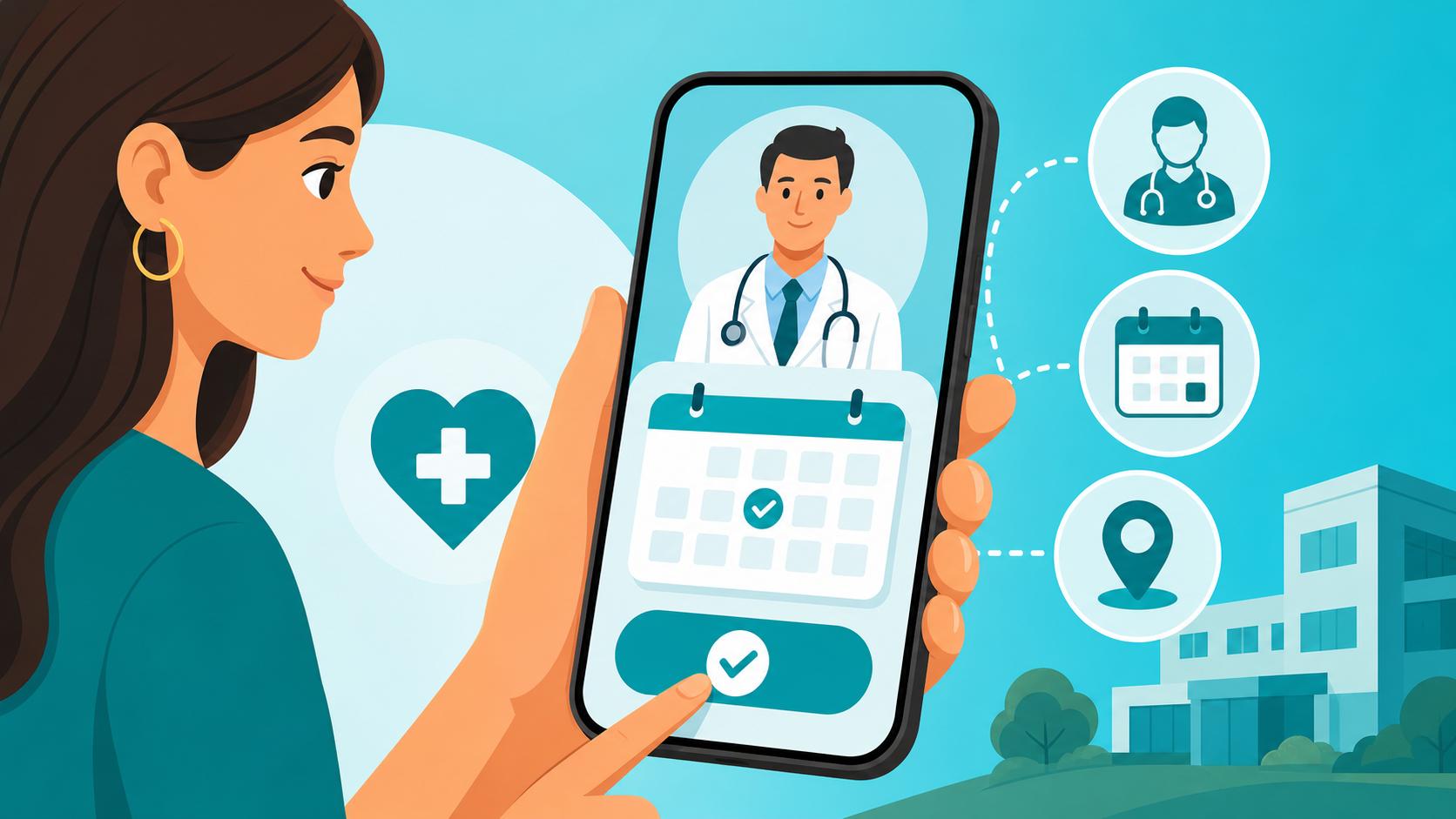
This is where the MY LUZ app shines. Unlike the public system where you might wait months for a letter, the app shows you a real-time calendar. You can see every available slot for the next 30 to 60 days. In my experience, if you are flexible with which doctor you see, you can usually get a specialist appointment within 3 to 5 days at the Lisbon hub.
When you select a slot, the app will ask for your "Acordo" or insurance. This is a critical step. Hospital da Luz has agreements with almost every major Portuguese insurer. If you are using Private Health Insurance in Portugal: Costs, Coverage, and Best Providers, you will need to select your provider from the dropdown menu and, in some cases, upload a photo of your insurance card. If you are using Cigna Global, you might need to pay the full private rate upfront and then use the digital receipt from the app to claim it back. The app clearly displays the "Estimated Price" based on your insurance, which avoids that awkward "how much is this going to cost?" conversation at the reception desk.
Managing Your Medical Records and Family Profiles
One of the most powerful features of the Hospital da Luz app is the ability to manage more than just your own health. For those of us moving here with spouses or children, the administrative burden can be doubled. The MY LUZ app allows you to create a "Family Profile" where you can act as the manager for your dependents.
Adding Dependents (Spouses and Children)
Under the "Profile" section, you can add "Agregado Familiar." This is essential for parents. I’ve used this to book pediatric appointments for my kids without having to create separate accounts for them. You will need their NIF and SNS numbers to link them properly. Once linked, you can switch between profiles with a single tap.
This feature is a godsend when you are trying to coordinate Finding an English-Speaking General Practitioner (Médico de Família) for the whole family. You can see everyone’s appointments in one unified calendar. Just a tip from someone who has been there: make sure you have the physical ID cards for your children the first time you visit the hospital after adding them to the app, as the staff will need to verify the link in person for security reasons.
Accessing Exam Results and Prescriptions
Gone are the days of carrying a physical folder of X-rays and blood test results around. When you have an exam at any Luz facility—be it an MRI or a simple blood draw—the results are uploaded directly to the "Exames" tab in the app. You usually get a notification when they are ready.
I find this incredibly helpful because I can download the PDF and send it to specialists elsewhere if needed. Additionally, if the doctor prescribes medication, the "Receitas" (Prescriptions) tab will store the digital codes. You simply show the barcode at any Pharmacies and Medication in Portugal: Prescriptions and OTC Drugs. If you are someone who likes to supplement your health with specific vitamins or wellness products that are hard to find in local pharmacies, you can always use the results from your blood tests to order targeted supplements from iHerb, which ships reliably to Portugal.
| Feature | MY LUZ App | Traditional Phone Call |
|---|---|---|
| Booking Speed | 2-3 minutes | 10-20 minutes (including hold time) |
| Language | Full English interface available | Dependent on the staff member |
| Exam Results | Instant digital access | Often requires physical pickup |
| Invoicing | Downloadable PDFs for insurance | Paper receipts that get lost |
| Family Management | All profiles in one place | Individual calls for each family member |
Tips for a Seamless Experience at Hospital da Luz
Using the app to book is only half the battle. The actual hospital experience is much more efficient if you know how to integrate the app's features with the physical facility. The Hospital da Luz buildings are often huge—the one in Lisbon feels more like a shopping mall or an airport terminal than a clinic.
Arriving for Your Appointment and Self-Check-in
When you arrive for your appointment, do not head straight for the long queue at the reception desk. Look for the "Kiosks" (Totems). You can use your MY LUZ app to check in. Usually, there is a QR code on the app’s home screen for your upcoming appointment. You scan this at the kiosk, and it will print a ticket with a number (e.g., A123).
This ticket tells you which floor and waiting area to go to. The screens in the waiting room will show your number when the doctor is ready. This system is great because it reduces the need for verbal communication if you are still working on your Portuguese. If your insurance requires a co-payment, you can often pay this right at the kiosk using a Portuguese debit card or through the app itself via MB Way. This is a crucial part of Navigating Medical Billing and Insurance Reimbursements in Portugal, as the app keeps a permanent record of these payments.
Telehealth and Online Consultations
If you don't feel like trekking across town for a simple follow-up or a prescription renewal, the MY LUZ app has a built-in video consultation feature. You book these just like a regular appointment, but you select "Video Consulta." About 10 minutes before the appointment, a "Join" button appears in the app.
I’ve used this several times for minor issues, and it works flawlessly. It’s particularly useful if you are traveling elsewhere in Europe but still want to speak with your regular doctor in Portugal. If the doctor determines you need a physical prescription, they will send the digital code directly to your app. For general health maintenance between these appointments, I often use iHerb to keep my medicine cabinet stocked with familiar over-the-counter brands that might not be available in the local "Farmácia." If you find that Luz doesn't have the specific specialist you need for an urgent online query, you might also look at Telehealth and Online Doctors: Using TravelDoctores and Doctorsa as a secondary option.
The MY LUZ app is a powerful tool for taking control of your health in a new country. By moving your medical management to your smartphone, you bypass the most stressful parts of the Portuguese administrative machine and ensure that your health records are always in your pocket. Whether you are using a top-tier plan from Cigna Global or paying out of pocket, the transparency and ease of the app make it an essential download for every expat.
Disclaimer
The information provided in this guide is for educational and informational purposes only and does not constitute medical or legal advice. While we strive to keep the information up to date, hospital procedures, app features, and insurance agreements in Portugal change frequently. Always consult with a qualified medical professional or your insurance provider regarding your specific health needs and coverage. The author is an expat sharing personal experiences and is not affiliated with Luz Saúde.