Using the MB Way app: Why it’s better than carrying cash in Portugal
Disclosure: This article contains affiliate links. If you buy through them, we may earn a commission at no extra cost to you. Read our full disclosure.
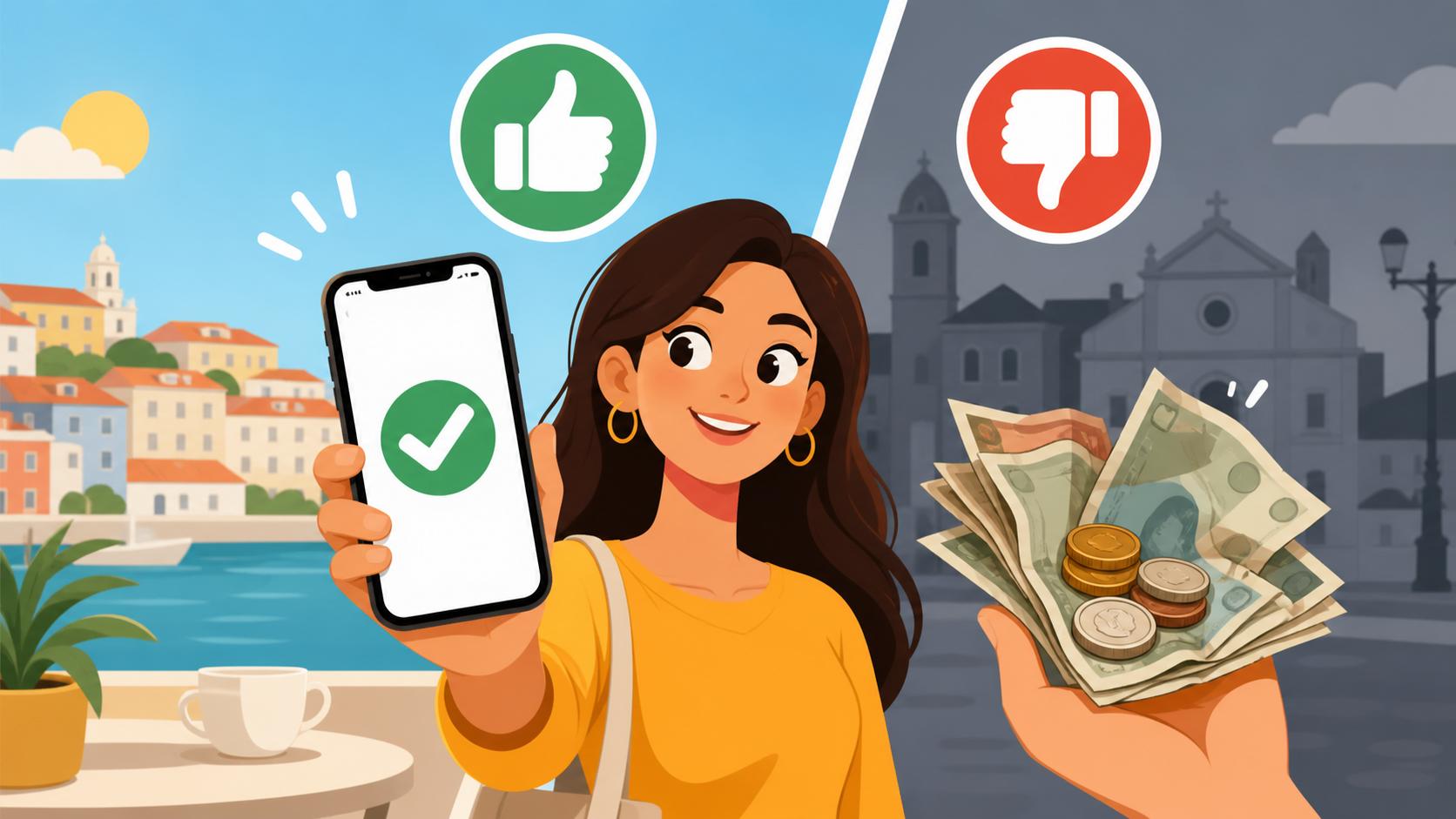
One of the most jarring experiences for a new arrival in Lisbon or Porto is standing at a local café register only to see a sign that says "No Foreign Cards" or "Minimum 10 Euros for Card Payments." When I first moved here, I spent my first month constantly hunting for ATMs and carrying a heavy pocket of copper coins because my high-tech foreign fintech card was useless at the neighborhood bakery. This guide solves that frustration by walking you through MB Way, the single most important app for surviving and thriving in the Portuguese financial ecosystem.
What Exactly is MB Way and Why Does Every Local Use It
To understand MB Way, you first have to understand the Multibanco network. Unlike many other countries where banks operate on separate, often clashing systems, Portugal has a unified interbank network that is decades ahead of much of Europe. MB Way is the mobile evolution of this system. It isn't just a payment app; it is a cultural phenomenon that has made physical wallets almost obsolete for the local population.
The Magic of the Multibanco Network
Every major bank in the country—from the massive state-owned Caixa Geral de Depósitos to the expat-favorite ActivoBank—is part of the Multibanco network. This is why you can pay your taxes, top up your phone, or buy train tickets at any ATM in the country, regardless of which bank issued your card. MB Way takes this functionality and puts it into your smartphone. It is deeply integrated into The Multibanco System and MB Way: Portugal's Unique Payment Network and allows for instantaneous transfers between users of different banks without the standard two-day wait time of SEPA transfers.
Bridging the Gap Between Cash and Digital Payments
In Portugal, there is a distinct difference between "Visa/Mastercard" and "Multibanco." Many small shops (tascas), hair salons, and local grocery stores only pay for the Multibanco processing license, which is cheaper for them than accepting international credit cards. This is the primary reason your foreign card might get rejected. MB Way bypasses this because it operates on the local network. If a merchant accepts Multibanco, they almost certainly accept MB Way via a QR code. It provides the digital convenience of a card with the universal acceptance of cash, making it an essential part of your Money and Finance in Portugal: The Ultimate 2026 Guide for Expats.
Setting Up MB Way: A Step-by-Step Tutorial for Expats
Setting up MB Way is not as simple as downloading an app and linking a credit card. Because it is tied to the high-security Multibanco network, the process requires a physical visit to an ATM and a local bank account. If you are still in the process of moving, you should prioritize Opening a Bank Account in Portugal: Best Banks for Foreigners and Expats to ensure you have the necessary foundations for this setup.
The Vital Connection: Your Portuguese Bank Account and Phone Number
The biggest hurdle for most expats is the phone number. MB Way is strictly tied to a single mobile number. While the app has technically opened up to some international numbers, the reality is that the system frequently glitches if you aren't using a Portuguese (+351) number. If you are arriving and need immediate data while you wait for a physical SIM, using Airalo to get an eSIM can help you stay connected, but for MB Way, you will eventually want a local number from a provider like MEO or Vodafone. You can find more details on this in our guide on Home Internet and Mobile Plans: Vodafone, MEO, and NOS Compared.
Navigating the Multibanco ATM Setup Process
Once you have your Portuguese bank card and your local phone number, follow these steps:
- Visit any Multibanco ATM: Insert your Portuguese debit card and enter your PIN.
- Select MB Way: Look for the MB Way option on the main screen (usually on the right-hand side).
- Enter your Mobile Number: Type in your Portuguese phone number carefully.
- Set a Six-Digit PIN: This is a separate PIN specifically for the MB Way app transactions. Do not forget it.
- Download and Activate: Download the MB Way app from the App Store or Google Play. Enter your phone number and the six-digit PIN you just created at the ATM.
- Confirmation Code: You will receive an SMS with a final activation code. Enter it, and you are ready to go.
| Feature | Cash | Foreign Credit Card | MB Way |
|---|---|---|---|
| Acceptance in Small Shops | 100% | Low (often rejected) | Very High |
| Online Security | N/A | Moderate | High (Virtual Cards) |
| Splitting Dinner Bills | Difficult (Change needed) | Impossible on one card | Instant & Precise |
| Remote Payments | No | Yes | Yes (Via Phone Number) |
| ATM Withdrawals | N/A | High Fees | Cardless & Free |
Beyond Peer-to-Peer: The Most Useful MB Way Features
Most people think MB Way is just for sending 5 Euros to a friend for coffee, but its utility goes much deeper. For an expat navigating the Cost of Living in Portugal 2026: Detailed Budgets for Singles and Families, the app becomes a Swiss Army knife for financial management.
Paying at the Supermarket and Local Shops with QR Codes
When you reach the checkout at a supermarket like Pingo Doce or Continente, you don't need to reach for your wallet. Simply tell the cashier "MB Way," open your app, and scan the QR code on the payment terminal. It is faster than chip-and-pin and safer than carrying a wad of cash through a crowded tourist area. This is particularly helpful in the first few weeks when you are still adjusting to the currency and might struggle with identifying coins at a busy register.
Generating Virtual Cards for Secure Online Shopping
One of the best "hidden" features of MB Way is MB NET. This allows you to generate virtual credit cards for one-time use or recurring payments. If you are ordering things from Amazon Spain or booking a mid-term stay via Uniplaces, you might not want to put your primary debit card details onto every website. With MB NET, you can create a "Merchant Card" with a specific spending limit. If the site is ever hacked, the virtual card is useless to thieves once the limit is reached or the date has expired. It’s an extra layer of peace of mind that is commonly suggested to people who are just starting to navigate Money and Finance in Portugal: The Ultimate 2026 Guide for Expats.
Splitting Bills Without the "Awkward Math" Conversations
Portuguese culture is very social, and you will quickly find yourself out for "jantar" (dinner) with a group of ten people. In many countries, splitting a bill ten ways on multiple cards is a nightmare that makes waiters scowl. In Portugal, one person pays the full amount, and everyone else immediately "MB Ways" their share to that person's phone number before the dessert plates are even cleared. The app even has a "Split Bill" feature where you can select contacts and request specific amounts.
MB Way vs. Cash: A Practical Comparison
While Portugal is not yet a completely cashless society, the balance is shifting rapidly. Understanding when to use which is key to a smooth transition. For example, when Renting an Apartment in Portugal: Contracts, Fees, and Tenant Rights, you might use MB Way for small initial deposits or to pay your utility bills, but you will still need a formal bank transfer for the main rent to satisfy tax requirements.
Security and Fraud Prevention
Losing your wallet in a crowded area like Belém or downtown Porto is a nightmare. If you carry cash, that money is gone forever. If you use MB Way, your transactions are protected by biometric data or a PIN. If you lose your phone, you can immediately deactivate the MB Way service through your online banking portal. Furthermore, the app provides an instant notification for every cent spent, which is a great way to keep an eye on your budget and spot any unauthorized activity immediately.
Convenience in Daily Transactions
MB Way also allows for cardless ATM withdrawals. If you realize you actually do need physical cash for a specific flea market or a very old-school fruit stand, you can generate a code in the app, walk up to a Multibanco, and withdraw cash without ever inserting a card. This has saved me more times than I can count when I’ve forgotten my wallet at home but had my phone in my pocket. It's a lifesaver when you are busy Setting Up Utilities in Portugal: Electricity, Gas, Water, and Internet and running errands across the city.
Common Issues and Troubleshooting for Foreign Residents
Despite its brilliance, the app isn't perfect. There are specific "expat traps" that can make the setup process frustrating.
Linking Foreign Phone Numbers: The "Common Failure" Reality
You will see marketing materials claiming that MB Way works with international numbers. Technically, this is true for a handful of countries, but the reality on the ground is different. The Multibanco system is notoriously picky. If your bank account is at one of the Traditional Portuguese Banks: Millennium, CGD, Santander, and Novobanco, their back-end systems often fail to send the necessary verification codes to non-Portuguese numbers. If you are serious about living here, get a local SIM. I tried for three months to keep my UK number linked to the app, and it failed during a crucial payment for a rental deposit. Don't make my mistake. For more on this specific headache, see our guide on Linking your foreign phone number to MB Way (and why it usually fails).
Bank-Specific Apps vs. The Standalone MB Way App
Many Portuguese banks, like Online and Neobanks in Portugal: ActivoBank, Moey!, Revolut, and N26, have integrated MB Way features directly into their own banking apps. You might wonder if you need the standalone MB Way app or just your bank’s app. My advice is to download both. The standalone app is often faster for QR code payments at the register, while the bank-integrated version is better for managing your MB NET virtual cards and checking your overall balance.
What to Do if the ATM Rejects Your Card
If you insert your card and the MB Way option doesn't appear, it usually means your phone number isn't updated in the bank's "official" records. You cannot just type it into the ATM; the bank must already have that number on file as your primary contact. You may need to go inside the branch with your ID and ask them to update your "Ficha de Cliente" (customer file) before the ATM will allow the MB Way setup. It’s a classic bit of Portuguese bureaucracy, but once it’s done, you never have to worry about it again.
Disclaimer
This guide is provided for informational purposes only. Financial regulations and app features in Portugal can change frequently. While we strive to keep our data current for 2026, always verify specific terms and conditions with your Portuguese banking institution and the official SIBS (Multibanco) website. The author is an expat sharing personal experience and is not a licensed financial advisor.