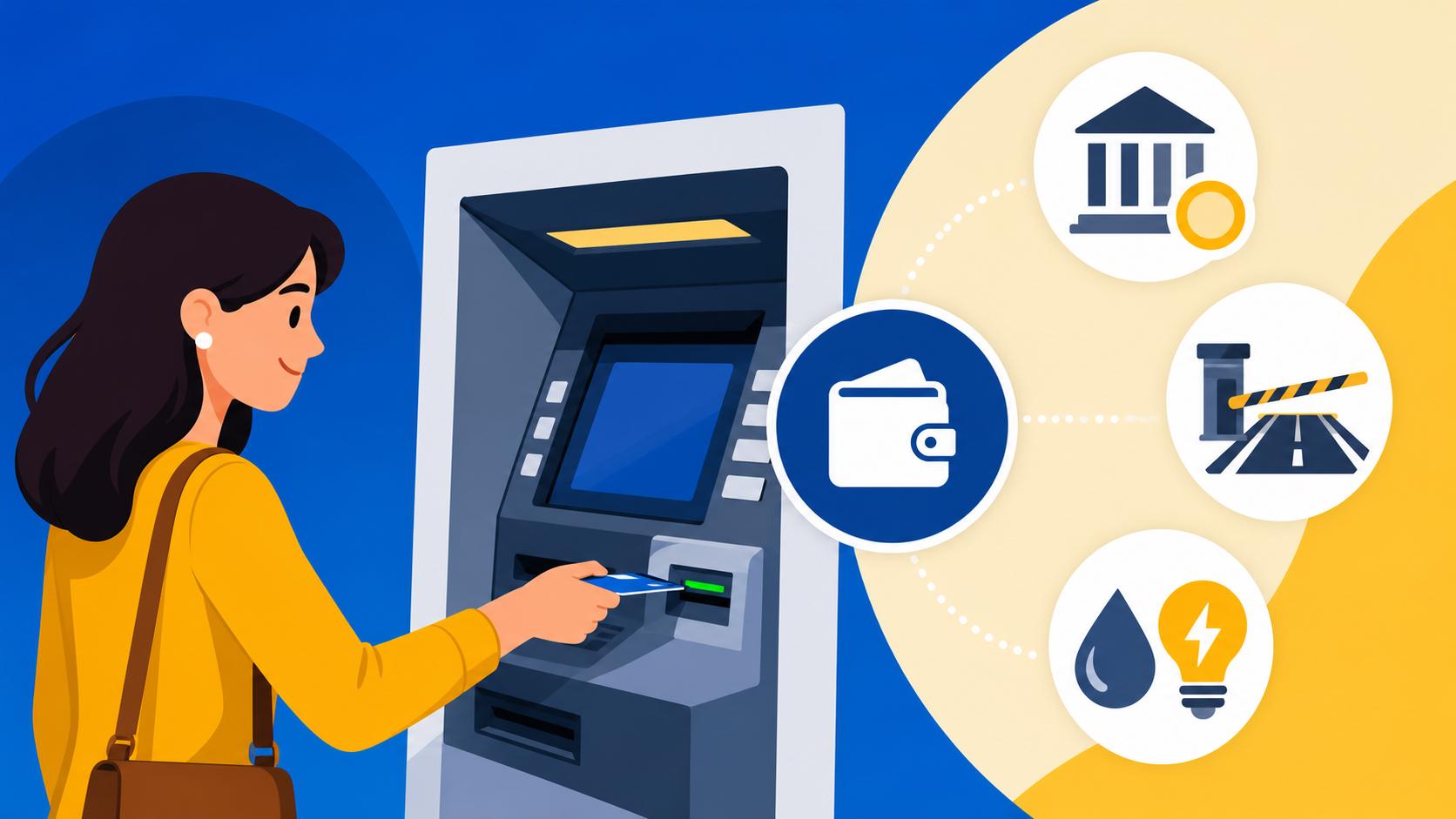
How to use the Multibanco ATM network to pay taxes, tolls, and utility bills
Disclosure: This article contains affiliate links. If you buy through them, we may earn a commission at no extra cost to you. Read our full disclosure.
Standing in front of a Portuguese ATM for the first time can feel like staring at a flight simulator control panel, especially when you have a stack of bills and a line of impatient locals behind you. I remember my first month in Lisbon, clutching a water bill and sweating as I tried to decipher what "Entidade" and "Referência" meant while the machine beeped at me aggressively. This guide will transform that stress into total confidence by showing you exactly how to navigate the Multibanco network to handle your daily Portuguese life.
The Multibanco Philosophy: More Than Just Cash
If you are coming from the US, UK, or Northern Europe, you likely view an ATM as a place to withdraw twenty Euros and nothing more. In Portugal, the Multibanco system is the literal heartbeat of the country’s financial infrastructure. Developed by SIBS, it is one of the most advanced interbank networks in the world, allowing you to do everything from topping up a SIM card to paying your apartment’s monthly rent or even donating to charity.
Most expats realize quickly that Opening a Bank Account in Portugal: Best Banks for Foreigners and Expats is the first step, but the second step is learning how to use the physical card at these gray-and-blue terminals. Unlike "Euronet" machines, which are designed for tourists and charge massive fees, a true Multibanco terminal is your best friend. It bridges the gap between your digital bank balance and the various government and private entities that require your money.
For many of us who use international tools like Wise to move money into the country, the Multibanco terminal is where that money finally meets its destination. Whether you are funding your account from Trade Republic dividends or off-ramping some gains from Binance, having a local Portuguese debit card to use at these machines is non-negotiable for long-term survival.
Why Every Expat Needs to Master the Terminal
You might think that online banking or direct debits are the answer to everything, and while they are helpful, they aren't always available or reliable for every type of payment. Some municipal water companies or smaller "Juntas de Freguesia" still rely on paper bills sent to your mailbox that require a manual Multibanco payment. Furthermore, the system is designed to provide you with an instant, legally binding paper receipt that is often easier to use as proof of payment than a digital screenshot.
I personally spent my first year in Portugal manually paying my bills at the ATM because I didn't trust my landlord's "direct debit" setup. It gave me a sense of control and ensured I was seeing exactly where my money went. It also helped me understand the Money and Finance in Portugal: The Ultimate 2026 Guide for Expats better by forcing me to interact with the local terminology every month.
The Difference Between Multibanco and Euronet
This is the most important "veteran" tip I can give you: Never, under any circumstances, use a yellow and blue Euronet machine for anything other than a desperate cash withdrawal. Euronet machines are not part of the SIBS Multibanco network. They will not allow you to pay your taxes, they won't let you top up your Via Verde, and they will charge you a premium for the privilege of existing.
A real Multibanco machine is usually embedded in the wall of a bank or found inside supermarkets like Pingo Doce or Continente. It will always have the "MB" logo. These machines are free to use for most transactions if you have a Portuguese bank account. If you are using a foreign card, you might be able to withdraw cash, but you won't see the full menu of "Pagamentos" (Payments) that makes the system so powerful.
Paying Utility Bills: Water, Electricity, and Gas
The most common reason you will head to the ATM is to settle your "Facturas." In Portugal, utility bills are typically divided into three crucial numbers: the Entidade (Entity code), the Referência (Reference number), and the Montante (Amount). Without these three, you cannot make a payment. You will find these usually at the bottom of your bill in a small box with the "MB" logo.
When you insert your card and enter your PIN, you need to look for the menu option labeled "Pagamentos e Outros Serviços" (Payments and Other Services). From there, you will select "Pagamentos de Serviços/Compras." This is the universal portal for paying for almost everything that isn't a government tax.
Reading Your Bill: Entidade and Referência
The Entidade is a five-digit number that identifies the company. For example, EDP (electricity) has a specific code, as does EPAL (water). The Referência is a nine-digit number unique to that specific bill or your specific account. It is vital to double-check these numbers. If you miss a digit, the machine will usually catch it and tell you the number is invalid, but if you enter the wrong Nine-digit code for a different month, you might pay the wrong bill.
The machine accepted it, but the money went toward a balance I had already cleared, leaving me with a "late" notice for the current month. Always look for the specific box on your bill that says "Pagamento por Multibanco." If you are managing your budget using Wise, make sure you have converted enough currency to Euros before you head to the machine.
Step-by-Step Payment Guide at the Terminal
Once you select "Pagamentos de Serviços," the machine will prompt you to enter the Entidade. After you type it and hit "Confirmar," it will ask for the Referência. Finally, it asks for the Montante. Be careful with the decimals; Portuguese machines use a comma for decimals, but you just type the numbers straight through. For a bill of €45.50, you type 4550.
After you confirm the amount, the screen will show you the name of the company (e.g., "EDP COMERCIAL"). This is your chance to verify that you haven't made a typo. Once you hit the final "Confirmar," the machine will whir and spit out a small thermal paper receipt. Do not throw this away. In Portugal, that little slip of paper is your only proof of payment if the company claims they never received the funds.
Settling Taxes with the Government: IRS, IUC, and IMI
One of the most intimidating parts of expat life is dealing with the "Autoridade Tributária" (the tax man). However, Portugal has made it incredibly easy to pay your taxes via Multibanco. Whether you are dealing with Portuguese Taxes for Expats: IRS, Tax Residency, and Filing Deadlines or just paying the annual road tax for your car, the process is streamlined and remarkably efficient.
The government uses a slightly different menu than utility companies. Instead of "Pagamentos de Serviços," you will often look for "Pagamentos ao Estado" (Payments to the State). This section is specifically for taxes, social security, and fines. Having your NIF and NISS: How to Get Your Portuguese Tax and Social Security Numbers handy is useful, although the reference number on your tax document usually contains all the data the machine needs.
Paying the IUC Car Tax Before It Is Too Late
If you own a vehicle, you must pay the "Imposto Único de Circulação" (IUC) every year during the month of your car's registration. I learned the hard way that the tax authorities do not send you a friendly reminder in the mail. You have to log into the Portal das Finanças, generate a "Documento de Pagamento," and then take that reference to the Multibanco.
Under the "Pagamentos ao Estado" menu, you will enter the specific reference found on your IUC document. If you miss the deadline by even one day, the system will automatically trigger a fine. I highly recommend Paying your car tax (IUC) online before your vehicle's registration anniversary to avoid the stress of a last-minute dash to the ATM. It is one of those small administrative hurdles that feels like a victory once you've conquered it.
Handling IRS and IMI Property Taxes
For those of us who have progressed to Filing the Annual IRS Tax Return (Modelo 3): Deadlines and Process, the final step is often a payment. If you don't have enough deductions or if you are a high earner, you will receive a bill from Finanças. Similarly, if you own a home, you will have to pay the IMI (Municipal Property Tax).
These payments follow the same "Entidade/Referência" logic. The machine acts as a direct portal to the government's coffers. It is remarkably satisfying to watch your tax debt disappear with a few clicks. If you are using funds from an investment account like Trade Republic to cover these taxes, ensure the transfer to your Portuguese bank is completed a few days in advance, as the Multibanco cannot pull funds directly from external brokerage accounts.
Tolls and Public Services
If you have been Buying a Car in Portugal: IUC Tax, Inspections (IPO), and High Vehicle Costs, you will quickly encounter the "SCUTs"—electronic tolls that don't have booths. You simply drive under a gantry, and your license plate is photographed. If you don't have a Via Verde transponder, you have to pay these tolls manually, and the Multibanco is the most common way to do it.
However, you cannot pay for a toll the same day you drive. It usually takes 48 hours for the system to update. You then have a very short window—usually five business days—to pay. If you wait too long, the bill is sent to your home address with added administrative fees, or worse, it gets sent to the tax office.
Paying SCUTs and Electronic Tolls
To pay your tolls, go to "Pagamentos e Outros Serviços" and then "Pagamentos de Serviços." Look for the "Portagens" (Tolls) option. You will be asked to enter your license plate number and your NIF. The machine will then search the database and tell you if you have any outstanding tolls.
Learning How to pay an unpaid SCUT electronic toll online before getting fined is essential, but the Multibanco is your physical backup. If the machine says "Não existem valores a pagamento," it either means you're in the clear or the tolls haven't hit the system yet. Check back in a couple of days to be safe.
Buying Social Security Credits and Health Fees
For freelancers or those of us who have had to visit the public hospital, you might encounter "Taxas Moderadoras." These are small co-payments for medical services. While many are being phased out or exempted for certain groups, you may still find yourself needing to pay for specific exams or ER visits.
You can often pay these at the hospital, but if they give you a slip of paper, you can take it to any ATM. Similarly, if you are a freelancer paying your own social security, you will use the "Pagamentos ao Estado" -> "Segurança Social" menu. It makes navigating Taxas Moderadoras: Co-payments and Costs in the Public Health System much easier when you can handle the financial side of things at your local corner store's ATM.
| Payment Type | Menu Option | Required Info | Tip |
|---|---|---|---|
| Electricity/Water | Pagamento de Serviços | Entidade, Referência, Montante | Always keep the paper receipt. |
| IRS Tax / IMI | Pagamentos ao Estado | Reference Number | Pay early to avoid interest. |
| Car Tax (IUC) | Pagamentos ao Estado | Reference Number | Check the car's birth month. |
| Electronic Tolls | Portagens | License Plate & NIF | Wait 48 hours after driving. |
| SIM Card Top-up | Telemóveis | Phone Number | Instant credit to your phone. |
| Social Security | Segurança Social | Reference Number | Essential for freelancers. |
Advanced Tips and Troubleshooting
After a while, you will realize that you don't always have to walk to the ATM. Most of these Multibanco functions are available inside your Portuguese banking app. However, the physical terminal remains the gold standard for when your app is acting up or when you need to perform specific "MB Way" activations.
If you haven't yet, you should definitely look into Using the MB Way app: Why it’s better than carrying cash in Portugal. MB Way is the mobile extension of the Multibanco network. To set it up, you actually have to go to a physical ATM, insert your card, and select "MB Way" to link your phone number to your bank account. It is the only way to "verify" your identity in the eyes of the SIBS system.
What to Do if a Transaction Fails
Sometimes, the machine will spit out a "Operação não conseguida" (Operation not successful) slip. This usually happens for one of three reasons: insufficient funds, an expired reference, or a communication error with the bank. If the funds are in your account—perhaps you just moved them from Binance or Wise—and it still fails, the reference might have timed out.
Government references for things like the D7 or D8 visa applications have a strict expiration date. If you try to pay even a minute after midnight on the expiration day, the Multibanco will reject it. In this case, you have to request a new "DUC" (Documento Único de Cobrança) from the relevant department.
Using MB Way for Remote Payments
Once you have mastered the physical terminal and linked your MB Way, you can pay many of these same bills by simply scanning a QR code on the paper bill or entering your phone number on a website. It uses the same "Entidade/Referência" backend but saves you the walk to the supermarket.
However, for major things like your first IRS payment or a large fine, I still recommend using the physical ATM. There is something about having that physical receipt in your hand that provides a level of peace of mind that a digital notification just can't match. Plus, it’s a great way to practice your Portuguese numbers while you navigate the menus!
Disclaimer
The information provided in this guide is for educational and informational purposes only and does not constitute financial, legal, or tax advice. While every effort has been made to ensure the accuracy of the procedures described, the Multibanco system, banking regulations, and tax laws in Portugal are subject to change. Always verify payment details with the specific billing entity or a certified accountant (Contabilista Certificado) before making significant financial transactions. Use of third-party apps and services is at your own risk.