How to Book a Doctor’s Appointment Through SNS 24
Disclosure: This article contains affiliate links. If you buy through them, we may earn a commission at no extra cost to you. Read our full disclosure.
Imagine waking up with a fever that won’t break and a sore throat that feels like swallowed glass. You live legally in Portugal and you pay into the system, but you have no idea how to get a public doctor to see you. This guide explains how to book a doctor’s appointment through SNS 24 using the app, the website and the phone line, and what to do when it doesn’t work.
Before You Book: What SNS 24 Needs From You
SNS 24 is the digital and telephone front door to Portugal’s National Health Service. Booking through it depends on a few pieces of paperwork. When an appointment request fails, a missing document is usually the reason. Get these sorted first and the rest is much easier.
Your Número de Utente and a Registered Health Centre
Everything in the public system depends on your número de utente, your national health user number. Without it, the app and the portal can’t link you to a health centre, and you can’t book anything. If you don’t have one yet, start with Registering with the Centro de Saúde: Getting Your SNS Número de Utente. If you can’t face another queue, see How to get your Número de Utente online without visiting the health center.
Having a número de utente is not quite enough, though. You also need to be registered at a specific Centro de Saúde, normally the one serving the parish where you live. That registration decides which doctors and appointment slots SNS 24 will show you. When I moved from one Lisbon parish to another, my bookings kept going to my old health centre across town until I updated my registration in person. Your address on file matters more than you might think.
A practical tip: keep a photo of your utente number and the name of your health centre on your phone. Receptionists, pharmacists and SNS 24 nurses will ask for both, often several times in one week.
Logging In With Chave Móvel Digital
The SNS 24 app and the website use Portugal’s digital identity systems for login. The most common one is Chave Móvel Digital, a government login linked to your phone number that sends you a one-time code. Portuguese citizens can also log in with the Cartão de Cidadão and a card reader, but most foreign residents use Chave Móvel Digital.
Foreign residents can usually activate Chave Móvel Digital once they have a NIF and a Portuguese phone number. You can do it online or at a Loja do Cidadão or Espaço Cidadão counter. If online activation fails because your foreign passport details don’t match what the system expects, go to a counter in person. I spent two evenings fighting the online form, and then a clerk at the Loja do Cidadão sorted it out in about ten minutes.
Once you’re logged in, the app shows your personal health area. It includes your registered health centre, your assigned family doctor if you have one, your prescriptions and your appointment history. Your records also sit in the portal, and Accessing your medical records in Portugal: Using the SNS Portal do Utente walks through that part.
What to Do if You Are Not Yet in the System
Recent arrivals and digital nomads are often still waiting for a residence permit or a utente number. In that gap, the SNS 24 phone line still works for clinical triage and advice. Online booking at a health centre won’t be available yet. Many nomads cover this period with a travel medical plan such as SafetyWing. It means a private clinic visit doesn’t become a financial shock while the paperwork catches up.
Three Ways to Book a Consultation Through SNS 24
There is more than one way to request an appointment, and each suits a different situation. Here is how each channel works in practice.
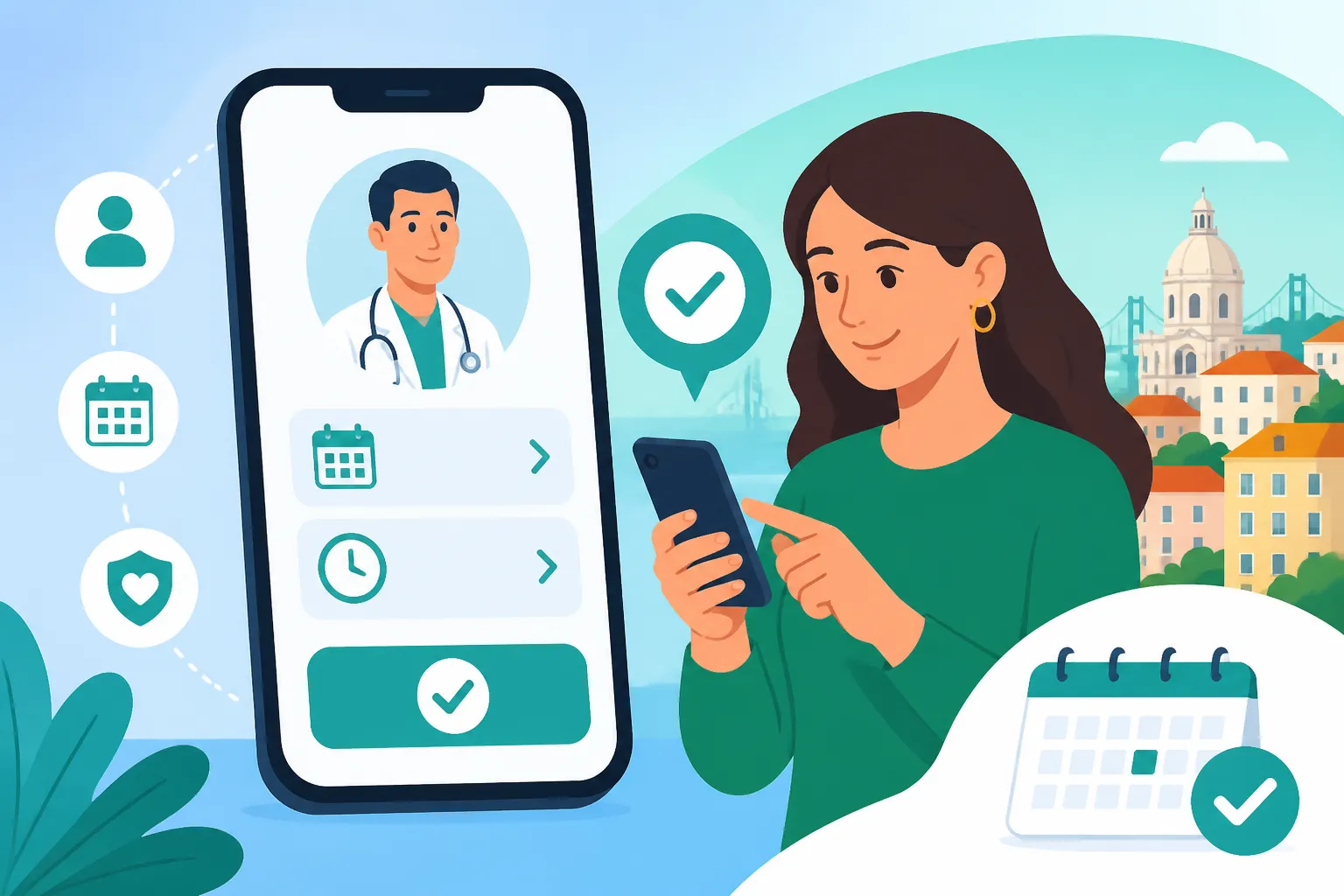
Booking in the SNS 24 App Step by Step
The SNS 24 app is the channel I use most for routine appointments. It’s the one most expats settle on once their login works.
- Download the official SNS 24 app from your phone’s app store and open it.
- Log in with Chave Móvel Digital. Enter your phone number and PIN, then type in the code you receive by text message.
- Check your profile. Confirm that the right Centro de Saúde appears, and your family doctor if you have one.
- Open the appointments area, labelled with words like consultas or marcações, and choose to request a new consultation.
- Pick the type of consultation offered. Usually this is a consultation with your family doctor or with your health unit’s team.
- Choose from the dates and times shown, or submit a request if your health centre handles bookings by request.
- Confirm and wait for the notification. Some health centres confirm straight away. Others review the request and reply by text message or in the app.
- On the day, arrive a little early with your residence card or passport and your utente number. Report to reception before you sit down.
Step seven trips up a lot of people. A request is not always a confirmed booking. If you haven’t heard anything within a few working days, call or visit reception at your health centre and ask whether the request was received.
Booking on the SNS 24 Website
The SNS 24 website has much the same functions as the app, on a bigger screen. That helps if you’re translating every menu with a browser extension. Log in with the same Chave Móvel Digital credentials, go to your personal area and look for the appointment request section.
The website is also handy for checking your appointment history and printing confirmations. I keep a printed confirmation in my bag for health centre visits. A receptionist with a long queue behind them seems to relax a little when you hand over paper rather than holding up a phone.
Booking by Phone on 808 24 24 24
The SNS 24 phone line is 808 24 24 24. It does two quite different jobs, and the difference affects when you should call.
Clinical contact covers triage, health advice and referral. It runs 24 hours a day, every day. If you call with symptoms, a nurse assesses you and refers you to the right place. That might be self-care at home, a consultation at your health centre, an urgent care service or a hospital emergency department.
Administrative contact covers non-clinical questions, such as help with booking or problems with your registration. As of October 2026, this side runs only from 8:00 to 22:00 every day. A call to 808 24 24 24 is charged as a call to a landline.
For a full breakdown of the menu options and how to request a sick note, see SNS 24 Helpline (808 24 24 24): Triage, Advice, and Sick Notes. If you’re unwell and need a document for your employer, How to get a sick note (Baixa Médica) from a doctor for your employer covers the process.
Comparing the Booking Channels
| Channel | Best for | Login needed | Availability | Language support |
|---|---|---|---|---|
| SNS 24 app | Routine consultations with your family doctor or health unit | Chave Móvel Digital | Any time, though confirmation depends on your health centre | Menus mainly in Portuguese |
| SNS 24 website | Same as the app, plus printing confirmations | Chave Móvel Digital | Any time, though confirmation depends on your health centre | Menus mainly in Portuguese; browser translation helps |
| Phone, clinical | New symptoms, triage and referral | Your utente number helps, but a login is not required | 24 hours a day, every day | Ask early whether English is possible |
| Phone, administrative | Booking problems and non-clinical questions | Your utente number | 8:00 to 22:00 every day | Ask early whether English is possible |
| Health centre reception | Fixing registration, urgent same-week slots | Residence document and utente number | Opening hours of your health centre | Varies by staff member |
When the System Pushes Back: No Doctor, No Slots, No Portuguese
The steps above work smoothly for some people on the first try. For many foreign residents, there is a second chapter. These are the three walls you’re most likely to hit, and how to get around each one.
You Have No Médico de Família Assigned
Many health centres, especially in Lisbon, the Setúbal peninsula and parts of the Algarve, have more registered users than family doctors. You may be registered at a centre but appear in the app without an assigned doctor. When that happens, the usual “book with my doctor” option may be missing or greyed out.
This doesn’t mean you’re locked out of care. Health centres generally offer consultations for users without a family doctor, often for acute problems or through dedicated sessions. Why does my Centro de Saúde say they have no Médico de Família available? explains why this happens. For the practical steps to get seen in the meantime, see What to do if you don’t have a family doctor but need a public consultation.
My own experience: I went more than a year without an assigned doctor. During that time, I booked acute-care consultations through reception and used the SNS 24 phone triage whenever something came up suddenly. It worked, but it took patience.
There Are No Available Slots
Sometimes the app shows nothing at all, or every date it offers is weeks away. Before you give up, try these steps:
- Check the app early in the morning. Some health centres release slots at the start of the day.
- Call SNS 24 on 808 24 24 24 if you have new symptoms. A clinical referral can open a path that self-booking cannot.
- Go to reception in person and politely explain that the app showed no availability. Ask whether they have any “vagas” (openings) for that week.
- Ask whether your health centre runs an open consultation session for acute illness, and at what time patients should arrive.
Keep the difference between “routine” and “urgent” in mind. A repeat prescription or a check-up can wait for a slot. A high fever in a child or chest pain cannot. For anything serious, call 112 or go straight to the hospital. Read Emergency Rooms (Urgências) in Portugal: Triage Colors and Wait Times before you need it. Calling 112: Do Portuguese emergency dispatchers speak fluent English? will help you stay calm on that call.
You Don’t Speak Much Portuguese Yet
The app menus are mostly in Portuguese, and phone nurses work in Portuguese first. Many SNS 24 professionals speak good English, but it varies from call to call. Open the call by asking clearly, “Fala inglês, por favor?” If English isn’t available, slow, simple Portuguese is fine. Have your utente number, your date of birth and a one-line description of your symptoms ready in both languages.
These short phrases cover most booking situations:
| Portuguese phrase | English meaning | When to use it |
|---|---|---|
| Queria marcar uma consulta | I would like to book an appointment | At reception or on the phone |
| Não tenho médico de família | I don’t have a family doctor | When asked who your doctor is |
| O meu número de utente é (your number) | My user number is (your number) | Whenever you are identified |
| Tenho febre desde ontem | I have had a fever since yesterday | When describing symptoms |
| Há vagas esta semana? | Are there openings this week? | When the app shows nothing |
For a deeper set of tools, including translation apps and how to bring a bilingual friend to a consultation, see Navigating the public health system if you only speak English (Translation tips). The app-based nurse options are covered in SNS 24 App: Getting an English-speaking nurse for minor medical issues.
Real-Life Scenarios and Backup Plans
Here are a few situations newcomers often face, and how SNS 24 fits into each one.
Same-Day Illness on a Sunday Evening
Say you’re in Porto, it’s a Sunday at 21:00, and your partner develops a painful ear infection. Your health centre is closed and the app shows no slots. Call 808 24 24 24 and choose the clinical option, which is available around the clock. The nurse may advise home care until morning or refer you to a nearby urgent care service. If the problem is more serious, they will point you to the hospital emergency department. Arriving with an SNS 24 referral means the hospital knows you were triaged first, and the right service sees you.
If you need help with something administrative instead, like a broken booking, call before 22:00. After that, the administrative line closes until 8:00 the next morning.
Routine Repeat Prescription for a Chronic Condition
Someone managing high blood pressure only needs a medication review every few months. The SNS 24 app suits this well. Book in advance, or use the request function, so the appointment lands before your current supply runs out. Leave a buffer of a couple of weeks, because confirmations can take time at busy health centres.
Waiting for a Utente Number or Wanting Faster Access
Some residents decide the public waiting times don’t fit their lives. Others are still waiting for their utente number. Either way, private care runs alongside the SNS, and many expats use both systems. International plans such as Cigna Global let you book directly with private clinics and hospitals, without public triage. Travel-style cover such as SafetyWing is designed more for short stays and unexpected illness than for long-term routine care. Coverage, exclusions and costs differ from plan to plan, so check each provider’s own policy pages before you decide. For a full comparison of local and international options, see Private Health Insurance in Portugal: Costs, Coverage, and Best Providers.
Even with a plan like Cigna Global, keep your SNS registration active. Public vaccinations, some chronic-disease follow-up and the 808 24 24 24 triage line remain valuable whatever private cover you hold.
A Quick Pre-Booking Checklist
- Confirm that your número de utente is active and linked to your current address.
- Activate Chave Móvel Digital and test the login once before you actually need it.
- Install the SNS 24 app and check that it shows the right health centre.
- Save 808 24 24 24 in your phone. Note that clinical calls are answered 24 hours a day and administrative calls from 8:00 to 22:00.
- Write down your key symptom phrases in Portuguese.
- Know where your nearest hospital emergency department is, so you’re not searching for it in a crisis.
Booking a public doctor’s appointment in Portugal does get easier. The first time is the hardest, mostly because of logins and registrations. After that, the SNS 24 app and the phone line become a routine part of daily life.
Disclaimer
This article is for general informational purposes only and does not constitute professional advice. Laws, prices and regulations vary by location and change over time. Consult a qualified professional for guidance on your specific situation.